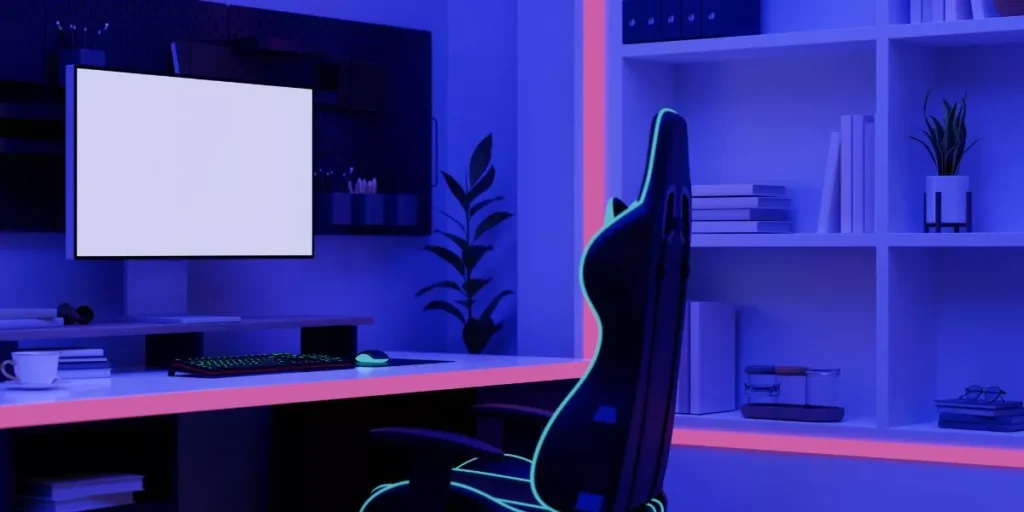
When crafting your DIY gaming desk setup, precision and functionality are key. Consider the impact of proper lighting on your gaming experience – the right lighting can make those late-night gaming sessions more enjoyable. But don’t forget about the desk surface itself; the texture can affect your mouse’s responsiveness. And what about the chair you’ll be sitting in for hours on end? Comfort is crucial, so choose wisely. Remember, the details matter when it comes to creating your ultimate gaming oasis.
Choosing the Right Gaming Desk
When selecting a gaming desk, consider the size of your gaming setup and the available space in your room. Measure the dimensions of your monitor, keyboard, mouse, and any other peripherals you use regularly to ensure the desk can accommodate them comfortably. Think about whether you need extra space for multiple monitors, a gaming console, or other accessories.
Look for a desk that offers sufficient surface area for your equipment while also fitting well within the room. Keep in mind any cable management needs you may have to keep your setup organized and clutter-free. Adjustable height desks can provide flexibility for different gaming preferences and ergonomic benefits.
Consider the material and durability of the desk, especially if you plan on mounting heavy equipment like dual monitors or a gaming PC. Some desks come with built-in features like monitor stands, headphone hooks, or cup holders that can enhance your gaming experience. Ultimately, choose a desk that not only fits your gaming needs but also complements the overall aesthetic of your gaming space.
Essential Accessories for Your Setup
Enhance your gaming experience with essential accessories that optimize your setup for peak performance. A comfortable gaming chair is crucial for long gaming sessions. Look for one with good lumbar support and adjustable armrests to prevent discomfort and promote good posture.
Invest in a quality gaming headset with a clear microphone to communicate effectively with your team during multiplayer games. A large, high-resolution monitor will enhance your gaming visuals and provide a more immersive experience. Consider adding LED lighting strips to create ambiance and reduce eye strain during extended play.
A reliable surge protector is essential to protect your valuable gaming equipment from power surges. Cable management solutions such as cable clips or sleeves can help keep your setup organized and free of clutter. A gaming mouse with customizable buttons and a high DPI sensor will give you a competitive edge in fast-paced games.
Lastly, don’t forget a comfortable wrist rest to prevent wrist strain during long gaming sessions.
Ergonomic Tips for Comfortable Gaming
To ensure a comfortable gaming experience, prioritize ergonomic tips that support your posture and overall well-being while playing. Start by setting up your gaming desk at the right height to avoid strain on your neck and shoulders. Position your monitor at eye level to prevent slouching, and keep your arms at a 90-degree angle when using the keyboard and mouse. Invest in a quality gaming chair with adjustable lumbar support to maintain proper spine alignment during long gaming sessions. Remember to take breaks every hour to stretch and rest your eyes to reduce fatigue.
Additionally, consider using wrist rests to alleviate pressure on your wrists and forearms while playing. Keep your gaming peripherals within easy reach to minimize excessive reaching or twisting movements. Adjust the brightness and position of your monitor to reduce glare and eye strain. Lastly, experiment with different setups to find what works best for you in terms of comfort and ergonomics. By implementing these ergonomic tips, you can enhance your gaming experience and prevent discomfort or injuries in the long run.
Cable Management and Organization Techniques
Ensure a clutter-free gaming space by implementing effective cable management and organization techniques to optimize your gaming desk setup. Start by using cable clips or sleeves to keep wires neatly bundled and prevent them from tangling or getting in the way. These simple solutions can be easily attached to the underside of your desk, keeping cables out of sight and organized.
Consider investing in a cable management box or tray to store power strips and excess cords. These boxes can be placed discreetly on or under your desk, providing a clean and streamlined look to your gaming setup. Additionally, using velcro straps or zip ties to group cables together can prevent them from becoming a tangled mess.
To further enhance your cable management, label each cord at both ends to easily identify which cable corresponds to which device. This will save you time when troubleshooting or reconfiguring your setup. By implementing these cable management techniques, you can create a more organized and visually appealing gaming desk setup.
Trending Products

SteelSeries Apex Pro TKL Gen 3 OmniPoint 3.0 HyperMagnetic Switches — Adjustable Actuation — Rapid Trigger — Game-Ready Presets — Protection Mode — Rapid Tap/SOCD — OLED — RGB — PBT Keycaps — USB-C

Homall Gaming Chair, Computer Chair with Footrest and Massage Lumbar Support, Ergonomic High Back Video Game Chair with Swivel Seat and Headrest (White)

Logitech G305 LIGHTSPEED Wireless Gaming Mouse, Hero 12K Sensor, 12,000 DPI, Lightweight, 6 Programmable Buttons, 250h Battery Life, On-Board Memory, PC/Mac – Black
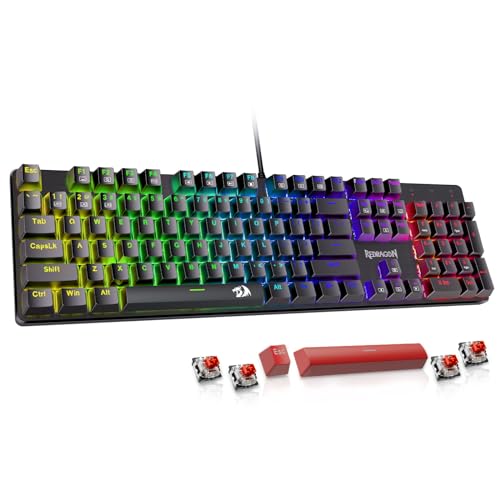
Redragon Mechanical Gaming Keyboard Wired, 11 Programmable Backlit Modes, Hot-Swappable Red Switch, Anti-Ghosting, Double-Shot PBT Keycaps, Light Up Keyboard for PC Mac


BestOffice | Ergonomic Gaming Chair | Blue | Reclining Computer Chair with Lumbar Support, Headrest Pillow, Adjustable Footrests | 360 Swivel with Heavy Duty Wheels | for Home & Office

GameSir G7 SE Wired Controller for Xbox Series X|S, Xbox One & Windows 10/11, Plug and Play Gaming Gamepad with Hall Effect Joysticks/Hall Trigger, 3.5mm Audio Jack (Orange)
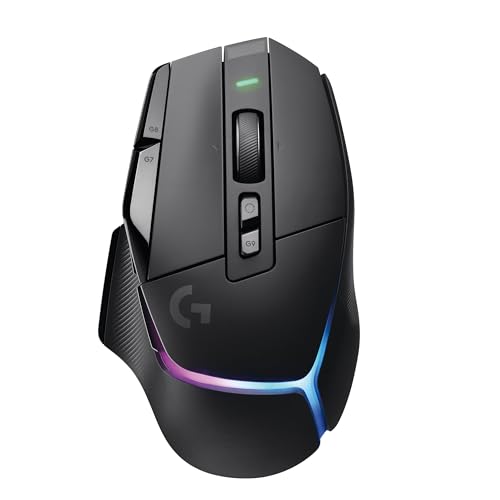
Logitech G502 X Plus Wireless Gaming Mouse: Optical Switches, LIGHTSYNC RGB, 13 Buttons, <130 hrs Battery Life & USB-C, PowerPlay Wireless Charging Capable, Windows PC/MacOS Compatible - Black